The iOS SDK supports Bluetooth card readers and Tap to Pay on iPhone in the same package.
Start with the quickstart to take your first sandbox payment with a card reader.
Integration guides
- Set up the SDK
- Authenticate a merchant
- Connect and manage readers
- Accept reader payments
- Accept Tap to Pay payments
- Reference and errors
Testing and offline payments
- Set up a sandbox merchant.
- Test successful payments and declines.
- Accept offline reader payments. Tap to Pay does not support offline payments.
Sample app
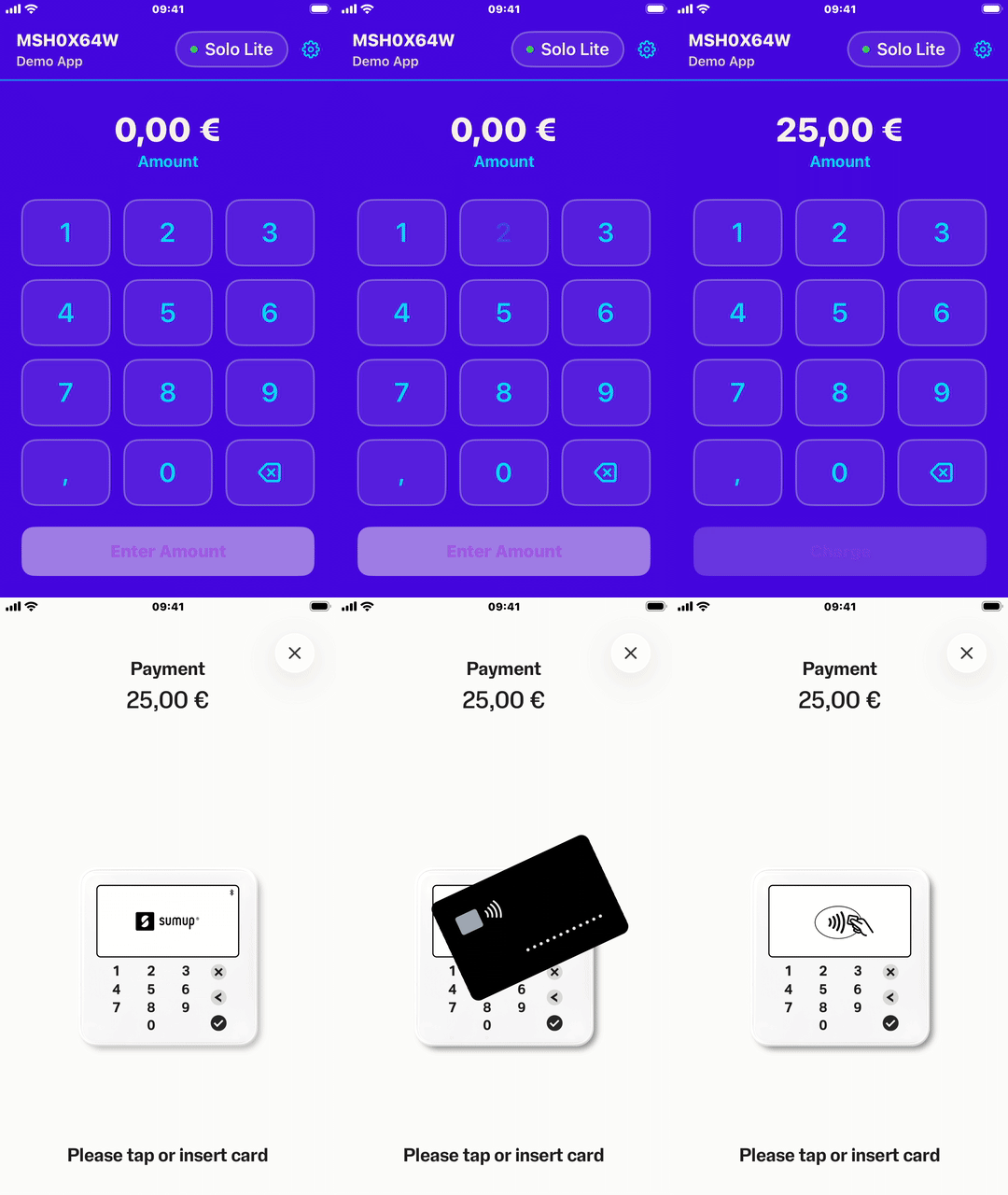
A sample app(Opens in a new tab) is provided in the SDK repository. It demonstrates SDK setup, login, checkout, and card reader settings in a minimal Swift project.
To run it, clone the repository(Opens in a new tab) and open SampleApp/SumUpSDKSampleApp.xcodeproj in Xcode.
Out of scope
The following functions are handled by the SumUp APIs: