Hosted Checkout
Use the Swift Checkout SDK to add card payment, Apple Pay, and Google Pay to your website with minimal setup.
About Hosted Checkout
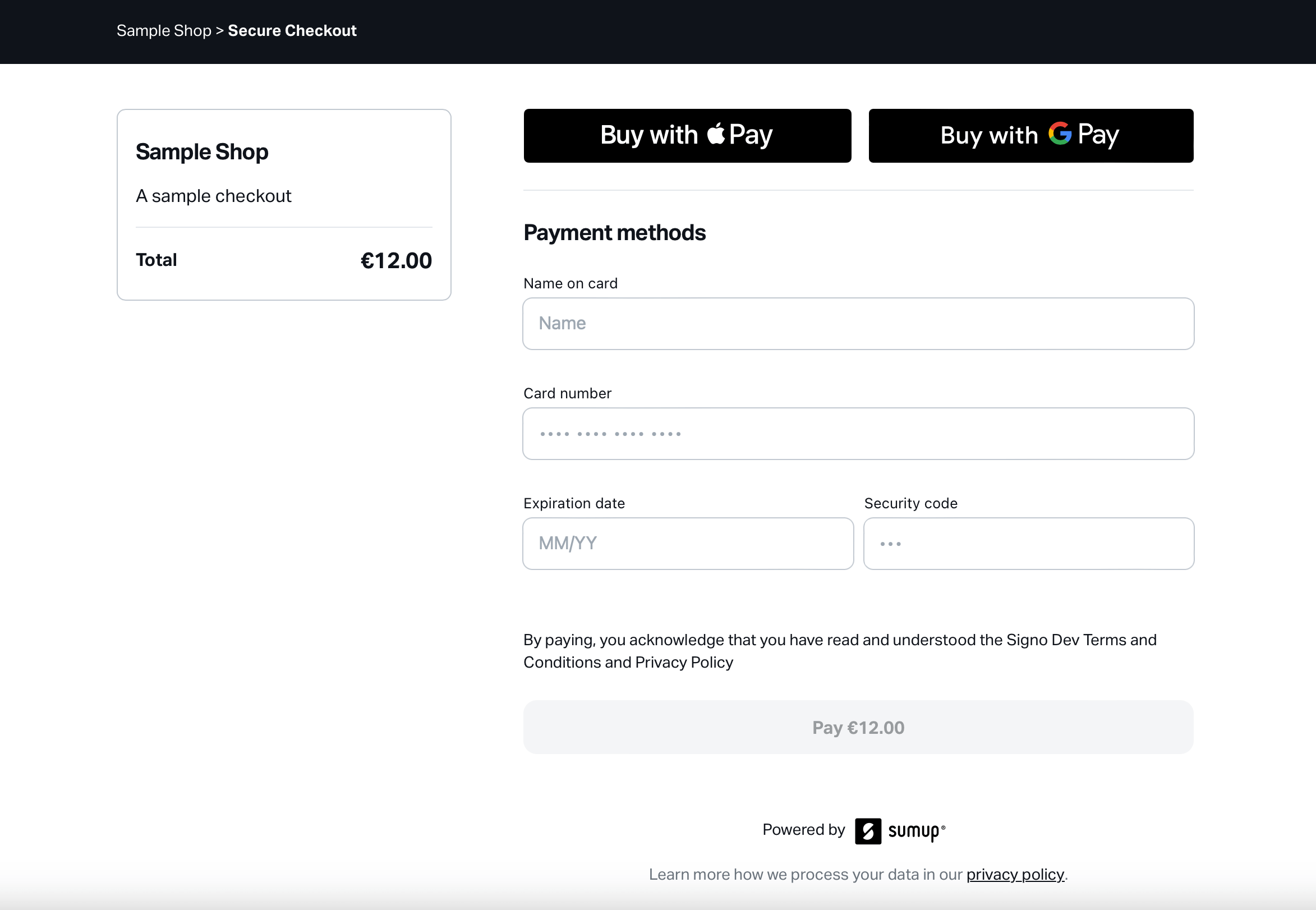
Section titled “About Hosted Checkout”Hosted Checkout offers a complete checkout flow for payment collection. It’s called “Hosted Checkout”, because SumUp renders and hosts the entire checkout UI, which your customers can access via URL returned by our checkout API. The hosted checkout page aims at ease of integration, requiring little to no code, offering a summary of the checkout details, and providing a complete flow for handling payment collection. It covers the payment flows all the way to the success page.
Hosted Checkouts is available to all SumUp merchants and getting started with it is really easy!
Prerequisites
Section titled “Prerequisites”Hosted Checkout requires only the ability to create online checkouts via SumUp checkout API, authorized by API key or access token (see the Authorization Guide for details).
Accessing Hosted Checkout
Section titled “Accessing Hosted Checkout”You can opt-in for Hosted Checkout by providing an extra parameter to your POST request payload.
The parameter name should be hosted_checkout and the value should be an object with the following structure: { "enabled": true }.
The response includes the Hosted Checkout properties:
hosted_checkoutis returned as provided in the requesthosted_checkout_urlprovides the URL of the page handling the payment flow
-
Send a request with the
"hosted_checkout": { "enabled": true }in the body.curl -X POST https://api.sumup.com/v0.1/checkouts \-H "Content-Type: application/json" \-H "Authorization: Bearer $SUMUP_API_KEY" \-d '{"amount": 12.00,"checkout_reference": "b50pr914-6k0e-3091-a592-890010285b3d","currency": "EUR","description": "A sample checkout","merchant_code": "MCXXXXXX","hosted_checkout": { "enabled": true }}'The response body contains the
hosted_checkoutandhosted_checkout_urlparameters:{"amount": 12,"checkout_reference": "b50pr914-6k0e-3091-a592-890010285b3d","checkout_type": "checkout","currency": "EUR","date":"2000-01-01T12:49:24.899+00:00","description": "A sample checkout","id": "64553e20-3f0e-49e4-8af3-fd0eca86ce91","merchant_code": "MCXXXXXX","merchant_country": "DE","merchant_name": "Sample Shop","purpose": "CHECKOUT","status": "PENDING","transactions": [],"hosted_checkout": { "enabled": true },"hosted_checkout_url": "https://checkout.sumup.com/pay/8f9316a3-cda9-42a9-9771-54d534315676"} -
Use the payment page provided under
hosted_checkout_urlto complete the flow you’re building. See Configuring Hosted Checkout for more information.
Configuring Hosted Checkout
Section titled “Configuring Hosted Checkout”Redirecting Users After Successful Payment
Section titled “Redirecting Users After Successful Payment”Hosted Checkout is meant to suit a broad range of use cases, from a simple self-contained payment solution, to a checkout step integrated within a longer flow.
When creating a checkout, simply provide a redirect_url parameter to include a redirect link in the success page, under a “Redirect to merchant website” button.
Hosted Checkout Status Pages
Section titled “Hosted Checkout Status Pages”With Hosted Checkout, your payment flow is covered from start to finish. All successful payments are presented with a success page, informing users of the completed payment. Hosted Checkout also accommodates other payment outcomes:
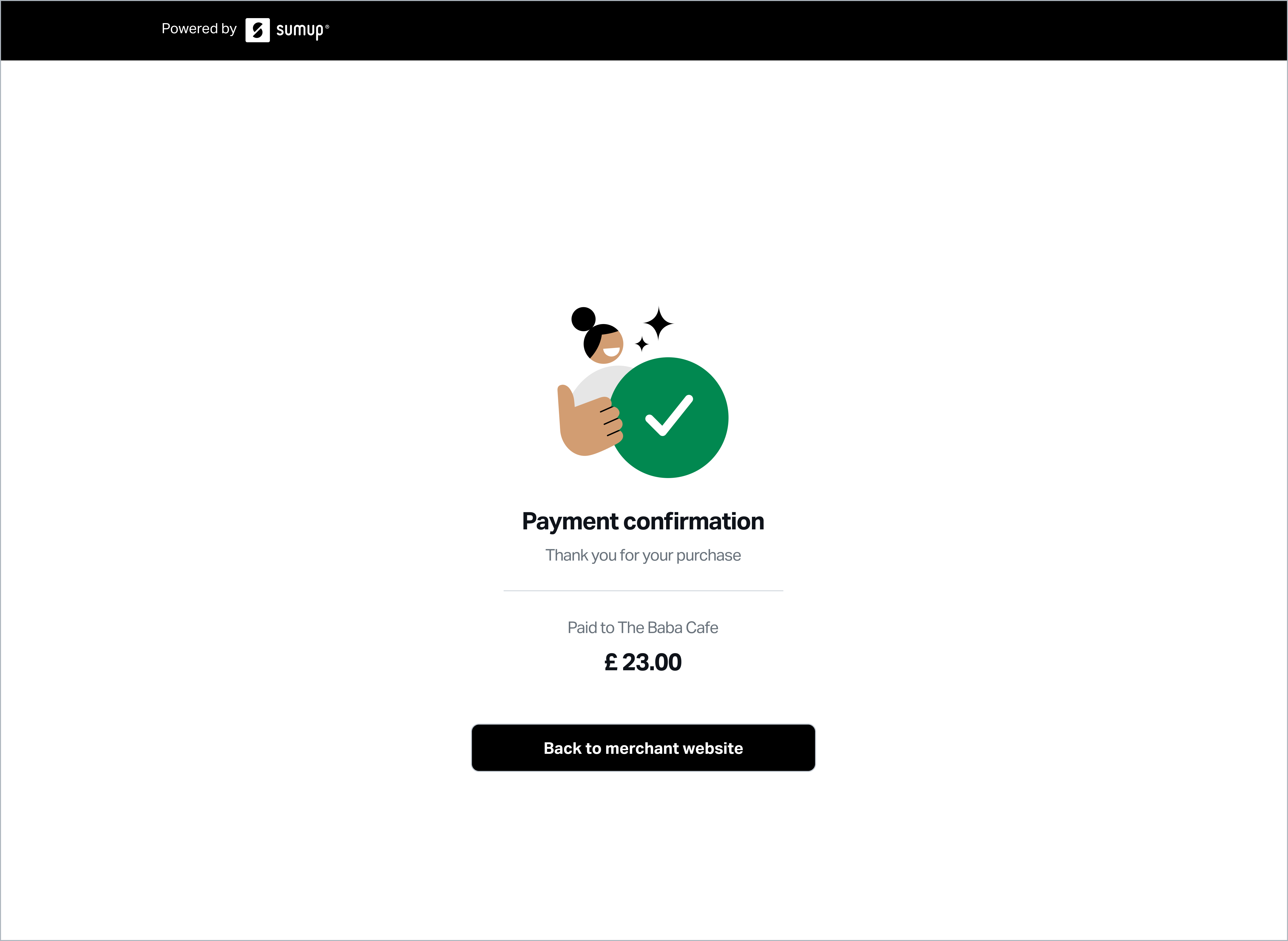
- Successful payments. This page includes the “Back to merchant website” button only if the
redirect_urlwas provided at checkout creation.
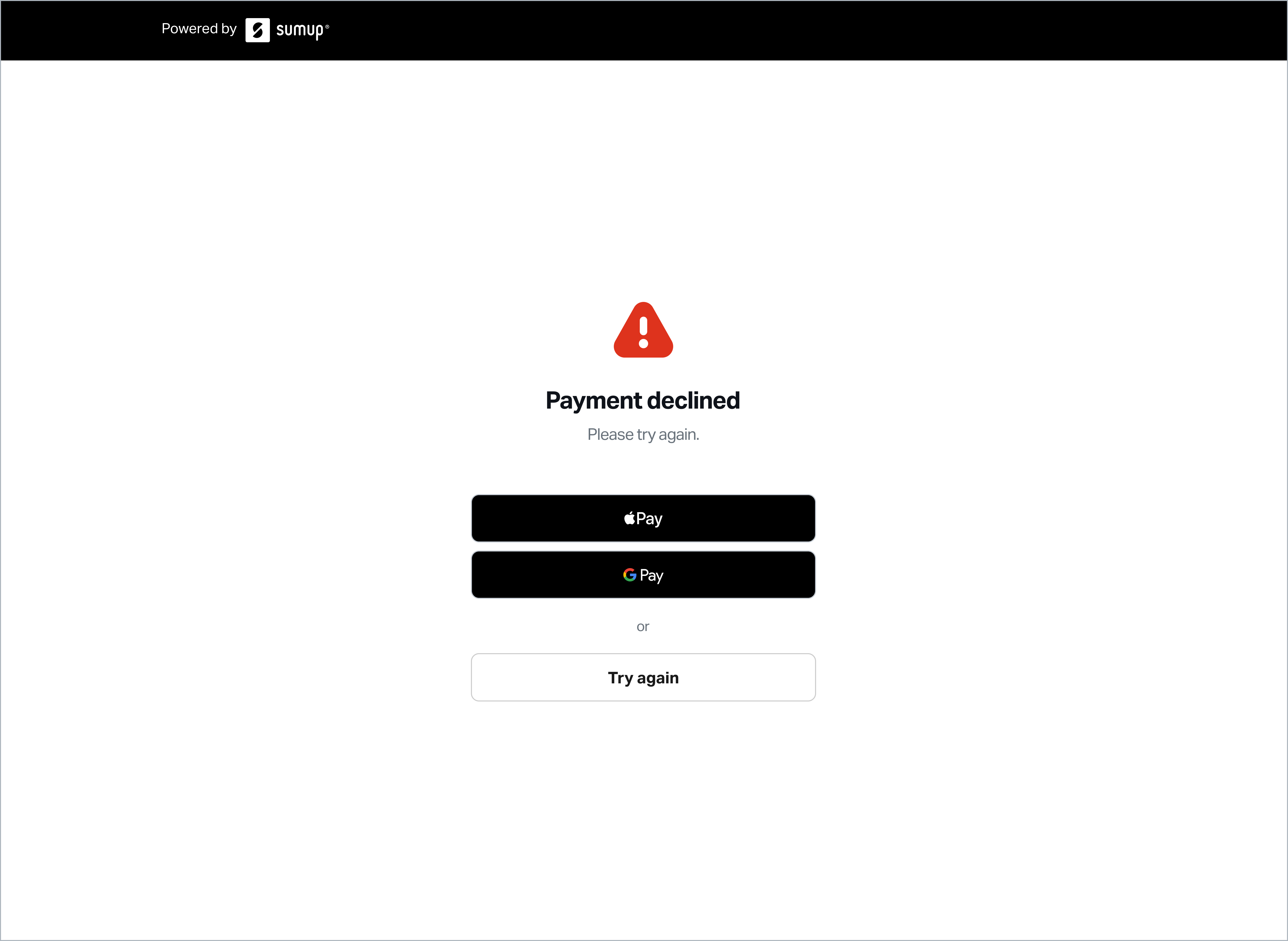
- Failed payments include express checkout payment methods for a quick retry.
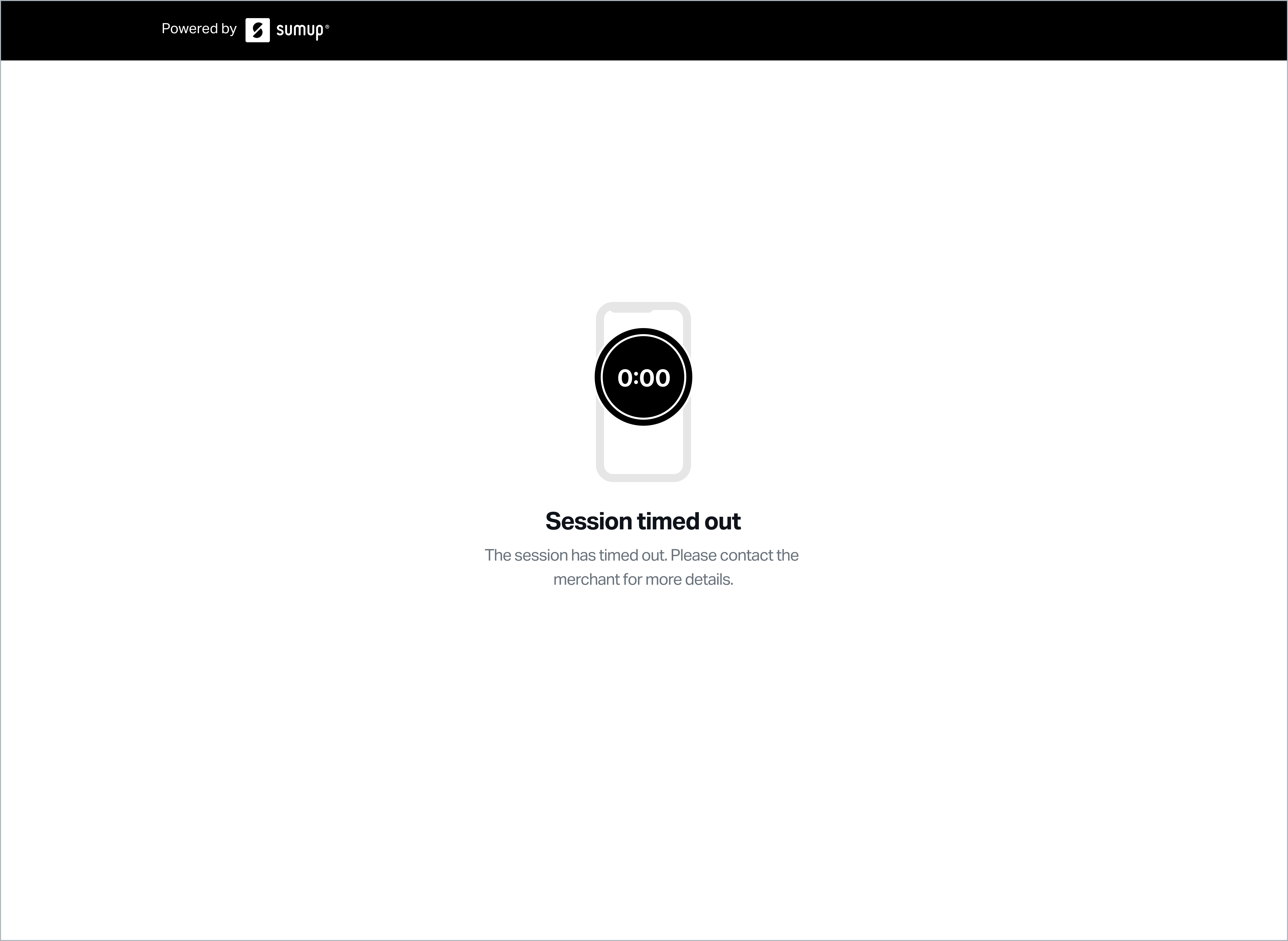
- Expired session page is shown for all unpaid checkouts after session expiration or checkout expiration (currently 30 minutes).
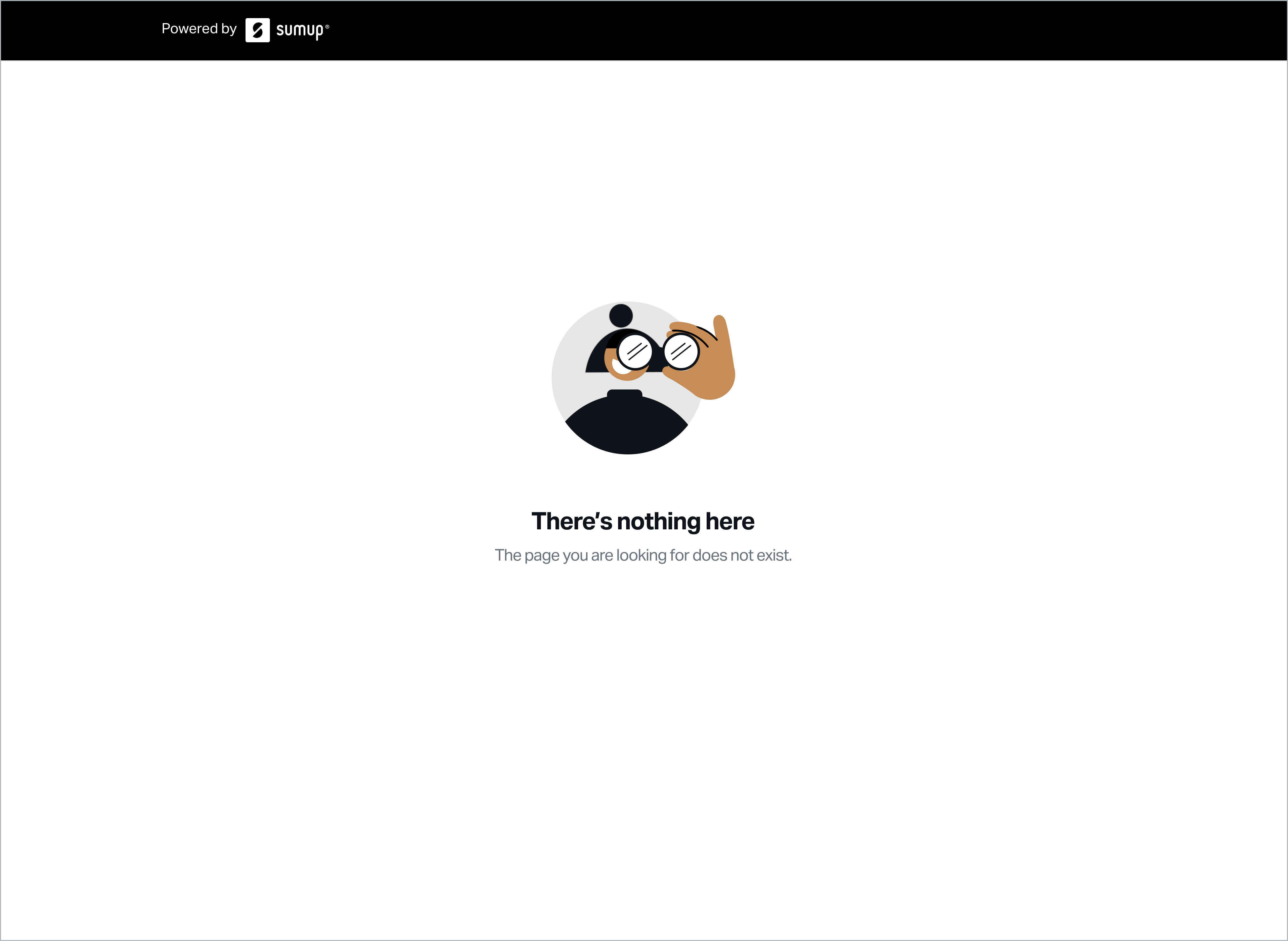
- Not found page is shown for all URLs that do not match any existing session in our system.